Notice. New forum software under development. It's going to miss a few functions and look a bit ugly for a while, but I'm working on it full time now as the old forum was too unstable. Couple days, all good. If you notice any issues, please contact me.
mozzie Guru Joined: 15/06/2020 Location: AustraliaPosts: 431
Posted: 01:08pm 10 Feb 2026
Copy link to clipboard
Print this post
G'day, Whilst I guess this is likely a question for Peter Mather, it would be great to get a sense of whether anyone else would think it a worthwhile addition. Or is it just me...
With several recent (and several historic) threads regarding keyboard emulation, would the following be considered a possible addition in a future version of MMbasic/PicoMite?
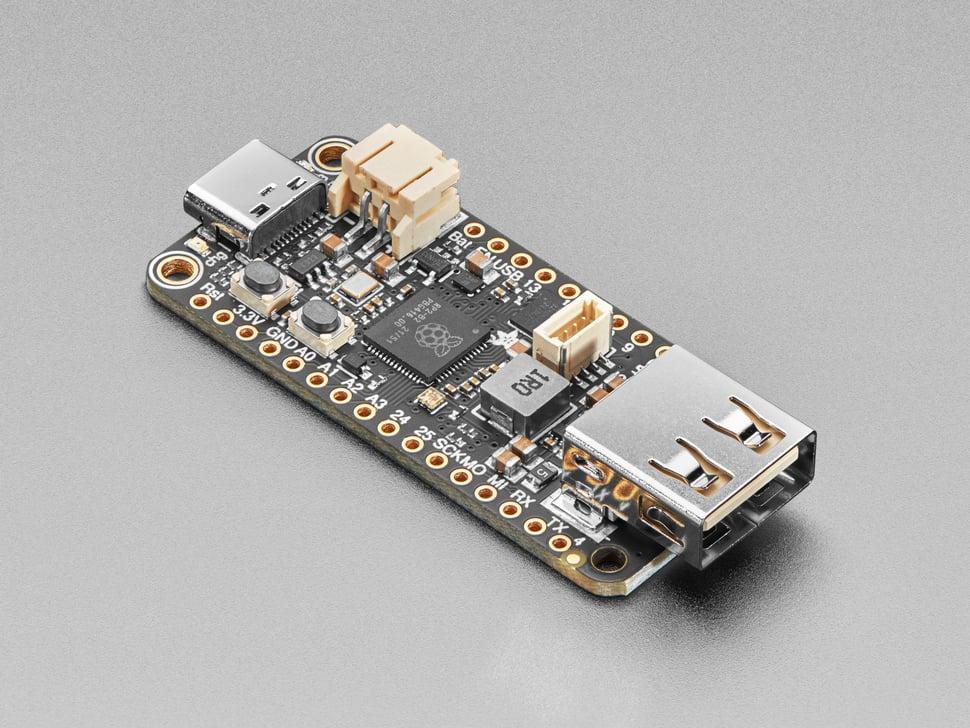
The ability to change the USB port on the Picomite from Serial device (CDC) to Keyboard / Mouse (boot) protocol device? (or possibly gamepad)
This has always been something I think would greatly enhance the PicoMite, the ability to create custom keyboards etc with the power and ease of MMbasic to do the key encoding / macros.
After trying several keyboard emulators with CircuitPython for the disabled / elderly, I believe MMbasic / PicoMite would be a far better platform.
The idea of a 7" touchscreen keyboard that can be customised endlessly also springs to mind.
The ability to then plug this into a PicoMite USB variant to control it as well opens more possibilities as a game controller etc.
I think this was discussed early in the PicoMite story and has reappeared from time to time.
As usual I have no real idea how difficult (or otherwise) this would be.
Once again, many thanks to all involved.
Regards, Lyle. Edited 2026-02-13 15:33 by mozzie
mozzie Guru Joined: 15/06/2020 Location: AustraliaPosts: 431
Posted: 02:04pm 05 Mar 2026
Copy link to clipboard
Print this post
"And the silence was deafening......"
Thought I'd give this a "bump" but after 26 days and 250ish views I guess that says it all.
I find it strange, considering the enthusiasm shown when this has been mentioned in various posts over time, that no-one else is interested in seeing this in a PicoMite.
Looks like its back to swearing at Circuit-Python
Regards, Lyle.
Volhout Guru Joined: 05/03/2018 Location: NetherlandsPosts: 6118
I am interested in getting touchscreen monitors working on the CMM2
Turbo46 Guru Joined: 24/12/2017 Location: AustraliaPosts: 1694
Posted: 09:02pm 05 Mar 2026
Copy link to clipboard
Print this post
I have done nothing about this yet but an option to do it in MMBasic would be ideal.
Sadly Circuit Python seems the best option for me.
BillKeep safe. Live long and prosper.
phil99 Guru Joined: 11/02/2018 Location: AustraliaPosts: 3381
Posted: 09:26pm 05 Mar 2026
Copy link to clipboard
Print this post
Do you have to emulate a USB keyboard? Perhaps emulating a PS/2 one would achieve the same result.
Peter posted a program using the new 2 pin Bitstream command in this thread. https://www.thebackshed.com/forum/ViewTopic.php?FID=16&TID=18567#249548 It emulates a PS/2 keyboard. At the end of the thread is a slightly edited version that uses a couple of more efficient MMBasic commands that Claude missed. Edited 2026-03-06 07:32 by phil99
Turbo46 Guru Joined: 24/12/2017 Location: AustraliaPosts: 1694
Posted: 09:40pm 05 Mar 2026
Copy link to clipboard
Print this post
I want to use it with a PC.
BillKeep safe. Live long and prosper.
mozzie Guru Joined: 15/06/2020 Location: AustraliaPosts: 431
Posted: 04:29am 06 Mar 2026
Copy link to clipboard
Print this post
G'day all, Many thanks for your views.
Peter, Thanks for the reply, now I have time to revisit this idea I will see if CircuitPython / HID Remapper or another option is the way forward.
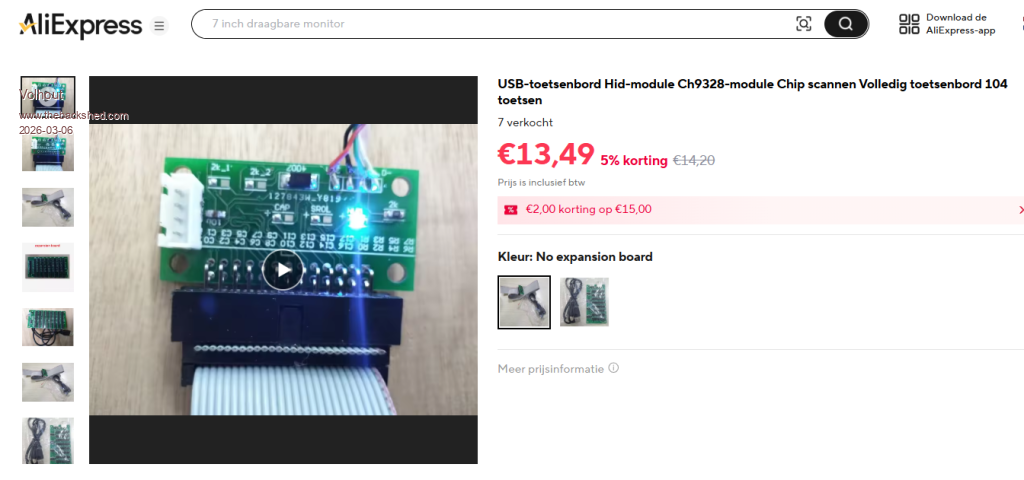
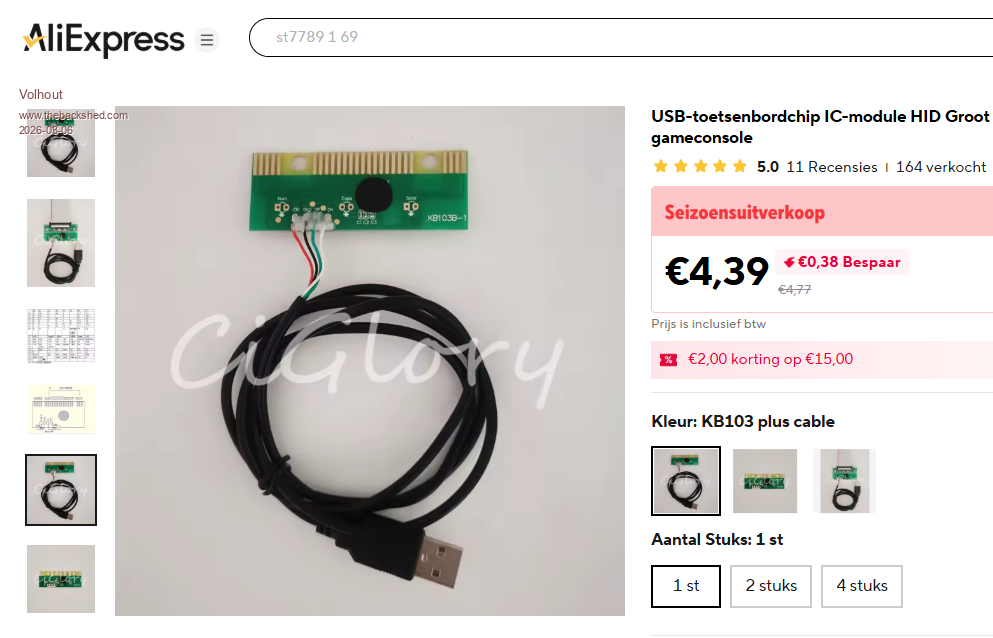
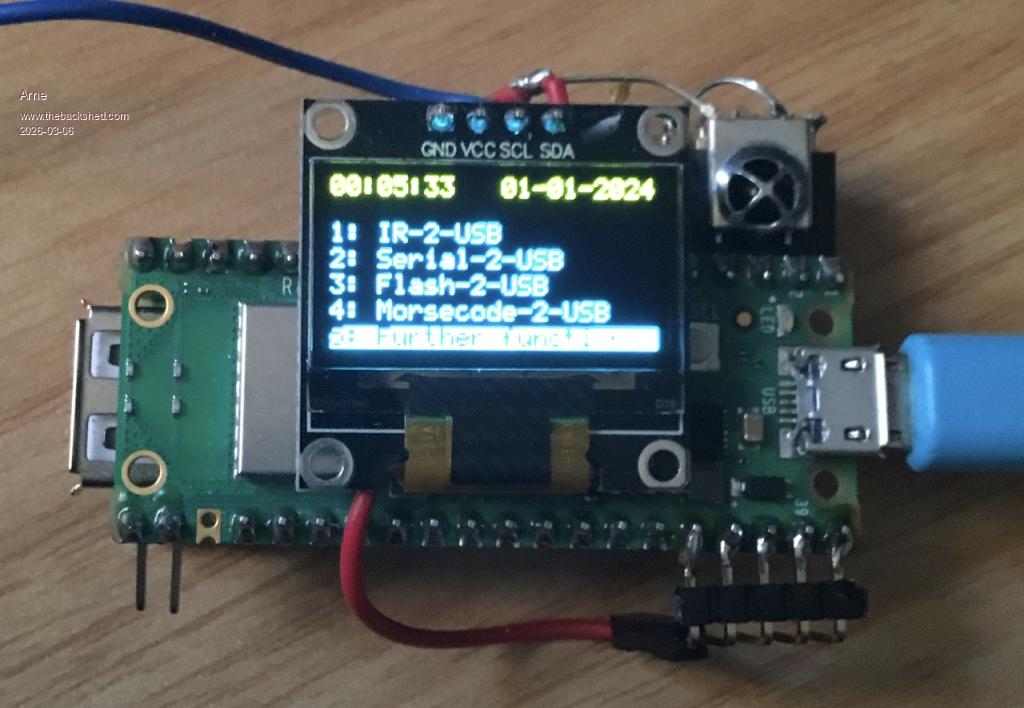
Volhout, Thanks for the link, these would certainly work for straight keyboard emulation but I have a more advanced idea in mind that requires a bit more programabillity. The idea is more along the lines of what Arne has posted, with a bigger screen.
PhenixRising, Yes, it was and also the reason behind asking for it to be incorporated in the firmware. This has also been the subject of several threads over the years.
Arne, That is a neat looking unit and similar to what I'm thinking, you may have the solution right there. I reckon you put me on to HID Remapper in the other thread, many thanks as it is a very useful piece of kit. I would have preferred a single PICO solution using MMBasic but this might be the way forward.
Turbo46, Am MMBasic solution would be ideal but sadly not looking good. Every time I try CircuitPython I am reminded just how excellent MMBasic is. Many hours lost due to a comma / case / bracket / space in the wrong place....
Phill, USB would be the ideal, as I have a few different ideas for this and most won't work on PS2
I'm a little surprised the "gaming fraternity" haven't looked at this, it would make USB game controllers a breeze.
My own ideas for this where PicoMite + ILI9488 touchscreen backpack as macro keyboard, multiple pages for different applications with built in calculator. Add an encoder for CNC remote control.
A friend who worked at a local nursing home asked about a "Touchscreen Keyboard" with a couple of big buttons on each page so they could hide the main keyboard for a PC, stops the "inmates" from accessing things they shouldn't.
HID Remapper does work with the PicoMite-USB firmware so you can plug one into another for control, may also allow non working keyboard / mouse / combos to work with a bit of effort (untested)
Once a couple (more like 1,000,000) of other projects are wrapped up this will be back on the drawing board. More thinking required....
Regards, Lyle.
Mixtel90 Guru Joined: 05/10/2019 Location: United KingdomPosts: 9136
Posted: 08:32am 06 Mar 2026
Copy link to clipboard
Print this post
When I was experimenting with game controllers I used a RP204-Zero running Circuit Python. It was very neat because a single digital input could send a single character or a pre-programmed string to the USB port. Ok, it's not MMBasic, but Circuit Python is nowhere near as difficult to follow as many other languages - for me anyway. Basically, all I needed to do in this case was to use someone else's code but with only single character strings. :)Mick
mozzie Guru Joined: 15/06/2020 Location: AustraliaPosts: 431
Posted: 02:57pm 06 Apr 2026
Copy link to clipboard
Print this post
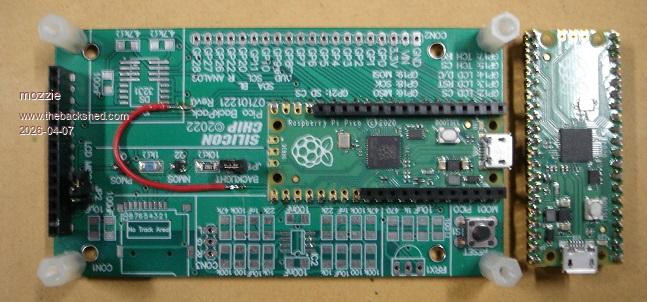
G'day, Due to the addition of the USB-CDC to the latest PicoMite firmware this project is possibly redundant, however if keyboard emulation is required this is still relevant.
Many thanks to Arne for pointing out HID Remapper and Jacek Fedorynski for his awesome project.
The HID Remapper firmware allows a Pico to emulate a keyboard, mouse or gamepad and can be configured via software to allow remapping existing USB keyboards etc or GPIO to keystrokes and macros, this allows up to 24 GPIO to be used, 2 are reserved for USB. The analog inputs can be used for joystick functions as well or can optionaly control mouse movements.
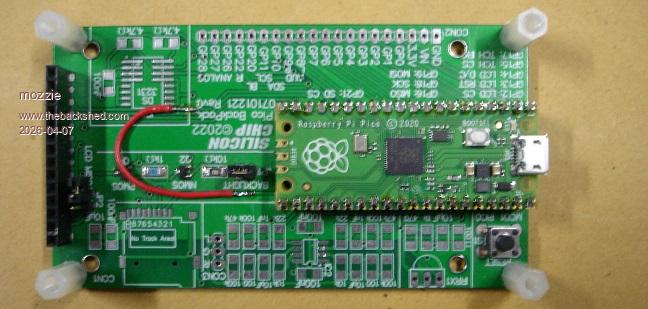
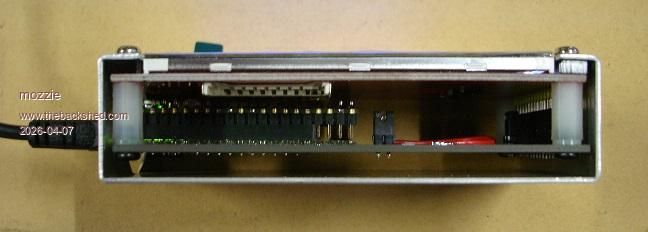
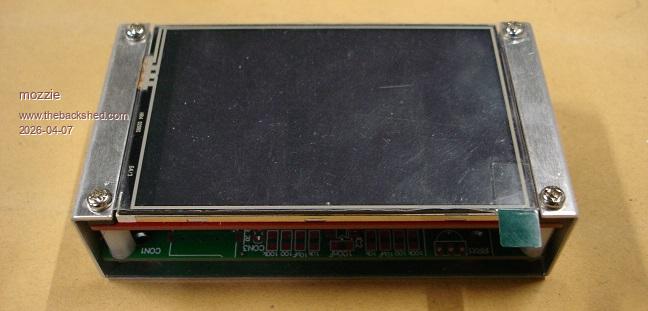
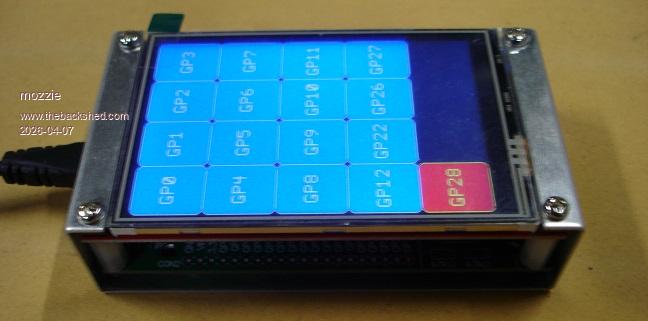
The PicoMite backpack PCB has an RP2040 and ILI9488 with touch. The red wire link moves the LCD CS to GPIO21 and this means we have GP0-GP12 and GP22-GP28 connected from the PicoMite to the HID Remapper.
The HID Remapper allows 4 layers of keys to be set for different applications. This means with 17 GPIO at our disposal we have either: 17 keys - layer 0 only 32 keys - 16 keys x 2 layers (1 wire select) 45 keys - 15 keys x 3 layers (2 wire select *) 56 keys - 14 keys x 4 layers (3 wire select *) * it appears binary selection of layers is not possible.
The above provide direct control of layer selection, however a little fiddling has shown that the layers can be selected with a single GPIO in rotation so if speed is not so important we get: 64 keys - 16 keys x 4 layers (1 wire pulse select)
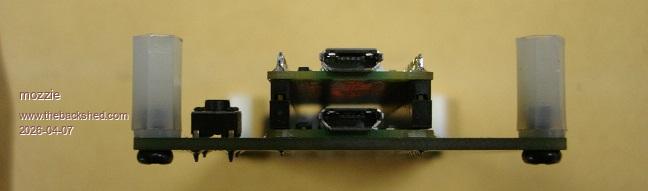
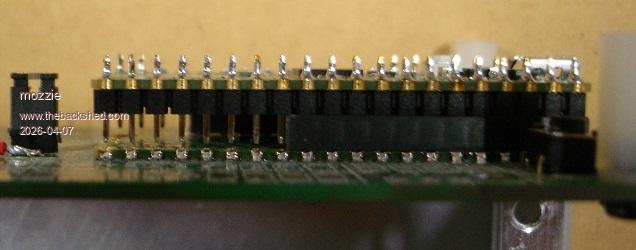
For most of the uses I can think of this should be more than enough. The 2 Pico's are simply mounted piggyback style using short headers and just miss the SD card socket on the rear of the LCD. The test software pulses the GPIO pin shown on the button for 5ms and the GP28 button controls the current layer.
Finally got the folder moved to a more usable position so made a simple case as well.
This also works as an input device for the PicoMite USB firmware so may be useful to someone.

 Notice. New forum software under development. It's going to miss a few functions and look a bit ugly for a while, but I'm working on it full time now as the old forum was too unstable. Couple days, all good. If you notice any issues, please contact me.

 Print this post