
| Menu | JAQForum Ver 19.10.27 |
| Menu | JAQForum Ver 19.10.27 |
Forum Index : Microcontroller and PC projects : linux help needed please
Page 1 of 2   |
||||||
I tried to load BBC Basic on rpi 400 but the line chmod says file not found  |
||||||
You need to either fully qualify the path to the file you want to use chmod on, or switch to that directory. |
||||||
I tried to the file home/stan/documents/BBC Basic, sane file not found . Linux is mew to me if on a a rpi it's debian so linux core. lots of fun |
||||||
With a space between BBC and Basic, you probably need to put it in quotes. |
||||||
on a terminal, run from inside the installation directory chmod 755 bbcsdl and try again ./bbcsdl |
||||||
You also would need a slash before "home": chmod +x "/home/stan/documents/BBC Basic/bbcsdl". ~ Edited 2025-12-12 10:46 by lizby |
||||||
Take note of the members when they talk about ./ Dot-slash is a Linux terminal command, that allows you to run an executable file directly from the folder that the file is in. Without the dot-slash, Linux will try to find the file by searching through the locations specified in PATH. As it is unlikely this program will be listed as a location in PATH, Linux says it can't find the file - even though when you look at the terminal screen......IT'S RIGHT THERE!!! That one got me when I was new to Linux, but now dot-slash is one of my favourite Linux terminal commands. The chmod command that is listed, should change the permissions of the BBC Basic file, to make it an executable(program) file, that Linux will attempt to run as a program. Without being tagged as an executable file, Linux just treats it as another file on the system - but it won't try to run it. chmod +x changes the properties of that file, so Linux knows it is supposed to attempt to run that file as a program. I'm kinda new to Linux myself, but been running it now for almost three months(since the W10 updates ended in October), and there is MUCH to learn when it comes to the terminal, it's plethora of commands, and what you can do with it.  |
||||||
You don't have to get your hands dirty with the command-line Right-click on the desktop select open new file call it "BBC" save right-click on the new file and open with genie programmers editor paste the following in: [Desktop Entry] Name=BBC Icon=/home/stan/bbc-rpi64/bbc256x.png Exec=/home/stan/bbc-rpi64/bbcsdl Type=Application Encoding=UTF-8 Terminal=false Categories=None; change the path to the exec and the icon to suit save right-click on the new desktop entry and select "properties". You should have a new tab "Desktop entry" cancel out of "Properties" when you want to run BBC Basic. double click on the new desktop shortcut. 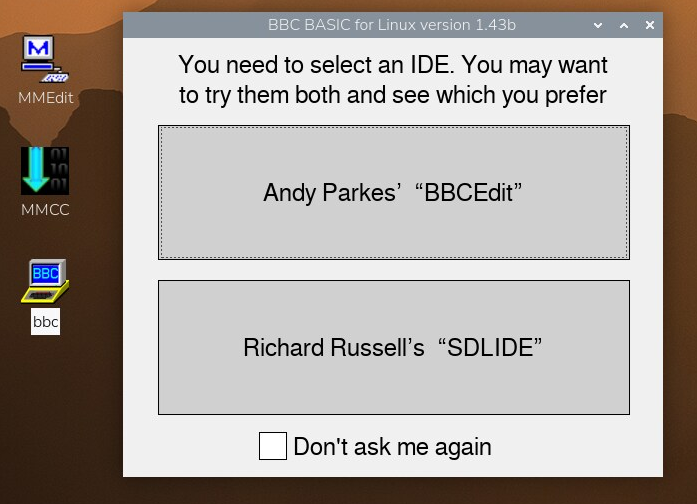 They could have made it easier but this is Linux and life wasn't meant to be easy. Edited 2025-12-12 15:24 by TassyJim |
||||||
In LMDE6, I right-click/Create a new launcher here... Which is pretty much the same idea, but it is GUI driven. In Mint, a "Launcher" is pretty much the same thing as a shortcut icon in Windoze. |
||||||
Yes, but Stan is using RPi(trixie). It doesn't seem to play nice - not with the options I ended up with. |
||||||
Yes, same as you would need that in Windows. John |
||||||
Thank you all for the replies. Lots to learn. Jim "They could have made it easier but this is Linux and life wasn't meant to be easy.". Ha! Ha!... but true  |
||||||
do I use the bbc 64bit folder which I opened and copied the install 64bit into?  |
||||||
got this, what is it? The other ide is slide 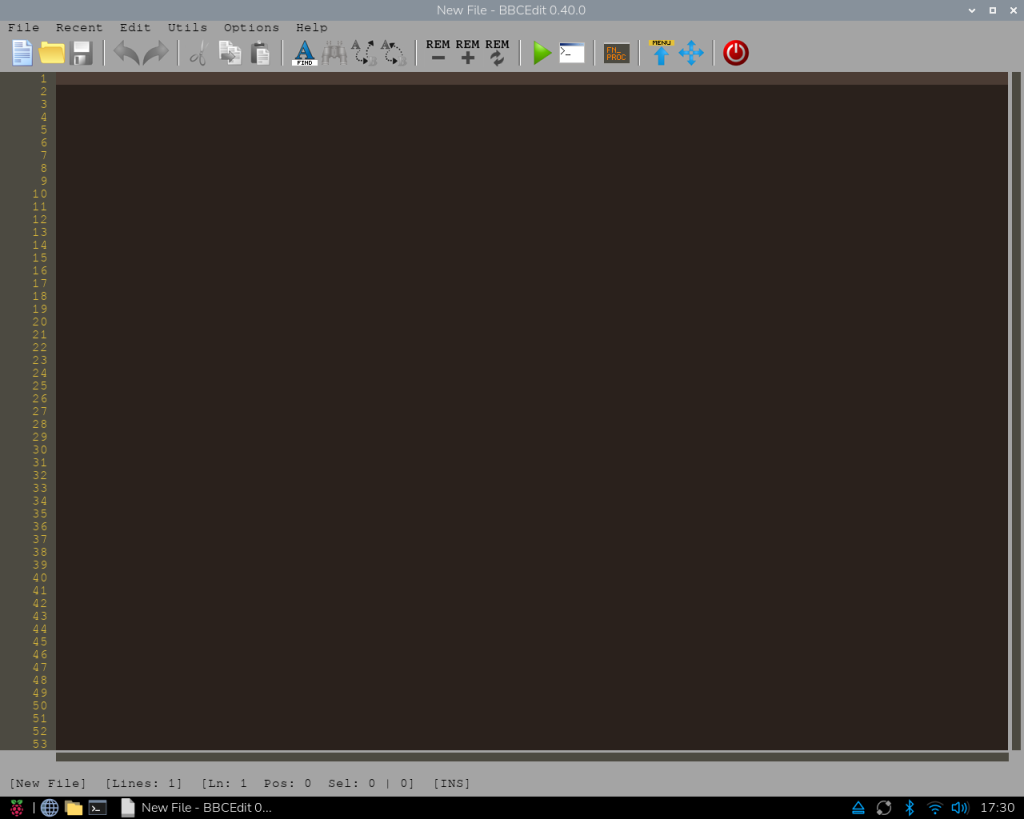 Edited 2025-12-13 03:42 by stanleyella |
||||||
Looks like an empty file, as it says, though it may have 1 blank line. John |
||||||
Sort of far out, groovy. It works. Thanks guys for help. stan 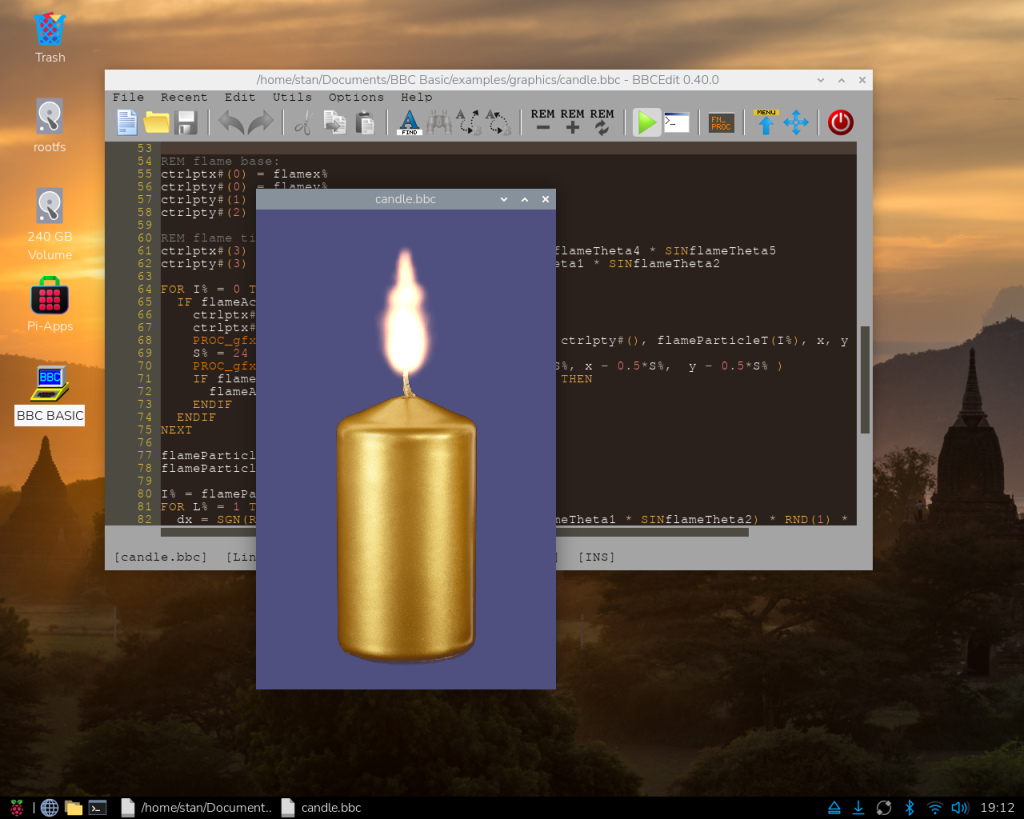 |
||||||
rpi 400 is nice with trixie. linux is hard |
||||||
This is not from linux itself, it is from Unix, where linux is based on. There a lot of nice stuff you can do. First, I used tools on my terminal to improve the usability. One nice one is https://ohmyz.sh/ I also use aliases. You can easy create them as following: alias ll='ls -lrh' In my case, I'm using Oh My Zsh over Zsh, and I can add these config/commands on my home .zshrc file. They will be executed when a Zsh session is created (opening a terminal). For the default Bash terminal, the file is .bashrc To access you home directory you can use ~ Eg: ~/Downloads is equivalent to /home/leo/Downloads You can convert any script file in a executable. As and example, you can create a bash script and change its permissions to 755 (chmod 755 myscript.sh)(Here you can understand what 755 means). The first line of the script a commentary will be used for defining the interpreter as follow: #!/bin/bash echo "My Script" You will be able to run the script without typing the interpreter => ./myscrypt.sh You can do the same with python, javascript, and maybe with bas files. I never tried. |
||||||
To be more precise, Linux is different. :) It works differently to Windows. In a way, Windows misses out or hides the bits that make a powerful OS so that "average" users don't have to think about them. Obviously, once you are actually faced with the complexities it will appear hard. |
||||||
I like bbc basic from little experience on rpi 400. new toy. edit, this rotates smooth, dunno how for bbc basic  Edited 2025-12-13 06:25 by stanleyella |
||||||
| Page 1 of 2 |
||||||
 |
The Back Shed's forum code is written, and hosted, in Australia. |


