
| Menu | JAQForum Ver 19.10.27 |
| Menu | JAQForum Ver 19.10.27 |
Forum Index : Microcontroller and PC projects : PIO-Prog for Hub75 display
  Page 7 of 8 Page 7 of 8   |
||||||
Hi Kevin, very nice video. How many images did you use? How wide are they then? Are the words also images or a userfont? How do you control the scroll speed? So many questions. Would you publish the scroll routine? I found a small optimization, but it shouldn't matter for images. I was able to get the address calculation before the loop. Sub mm.user_rectangle(x1,y1,x2,y2,col) col=col And &hC0C0C0' no background: no use of transparency If (lcol<>col)Then rC=rgbTo222(col):lcol=col EndIf 'Short cut for single pixel If (x1=x2)And(y1=y2)Then Memory set WAdr+x1+(MM.VRES-y1-1)*MM.HRES,rC,1:Exit Sub EndIf Local rT,rI,rWid=MM.HRES If (x1>x2)Then rT=x2:x2=x1:x1=rT' If (y1>y2)Then rT=y2:y2=y1:y1=rT'the calling function did not sort!!! 'more tests decrease speed, coords outside screen will skip the hole rec If (x1<0)Or(y1<0)Or(x2>MM.HRES-1)Or(y2>MM.VRES-1)Then Exit Sub Local rW=x2-x1+1,rH=y2-y1,rBas=WAdr+(MM.VRES-y2-1)*rWid+x1,rTes=rBas+rH*rWid For rI=rBas To rTes Step rWid:Memory Set rI,rC,rW Next End Sub Best regards Albert |
||||||
Hi Albert, Nothing clever at all, simply load a BMP into a Blit buffer, then start blitting it to the screen moving 1 pixel over at a time, then 2 pixels, then 3 pixels, this is because the bilt slows down the more screen it's working with, so an attempt to keep its absolute speed roughly even. Then just standard fonts, using the text scrolling from your demo. Code and BMP in the zip, you'll need to put the bmp on the B: drive, unless you change it in the code. I couldn't see a way of using your sideways scrolling, with a BMP coming in from the side, hence the use of the Blit untill the image is complete, unless you know a way? hubchristmas.zip Regards Kevin. Edited 2025-12-04 06:15 by Bleep |
||||||
Hi Kevin, I've implemented an initial idea in your program that retains the user driver. Since the image size is the problem, I simply divided the original into 32 strips. Of course, I didn't do this myself; there are tools available on the internet.You must then use the “bmps” folder(also in the zip). hubchristmas.zip If you look at “memory,” there is still memory available. You could also bend the pointer to the “work” memory and first place a copy of the image in a buffer and then copy it line by line from there. The blitter doesn't seem to be able to do this column by column. Of course, you could also load the image yourself, but then you would be out of the user driver, at least as far as images are concerned. Best regards, Albert Edited 2025-12-04 17:15 by AlbertR |
||||||
Hi Kevin, now the version with Sub for loading the bmp the columns one by one and scroll. This version did not use the UserDriver,therefore it is quicker specifically with regard to the rp2040. It is optimised for scrolling bmps, so you should also use painted banner with text. To increase speed the sub want the image rotated and mirrored! I append 2 bmps. hubchristmas.zip Have fun, Albert |
||||||
Hi Albert, I've been out, looking at a industrial sized roof top solar installation this morning, so I've only just loaded this and it looks really great :-) I have'nt even had time to look at what you are doing, but I can see this will be fantastic for any scrolling type display, also you are not limited to the basic fonts in the Pico. Once I've played around with it I'll report back, but it is exactly what I wanted to produce. :-) Thanks Kevin. Footnote added 2025-12-05 03:48 by Bleep Solar installation. |
||||||
Demo Really great, I've even slowed it down by 20mS per itteration, because it was so fast :-) I did find a bug! :-( you hadn't declaired x Thanks for all your work on the driver, it's really looking good and genuinely usable :-) Regards Kevin. The long BMP incase you want it. MChristm.zip |
||||||
Hi Albert, I've now also implimented Up and Down. Sub StripeMoveUp(suX0,suX1)'Start & End of strip width Local suT If suX0>suX1 Then suT=suX1:suX1=suX0:suX0=suT Local sEnd=WAdr+suX0,sSrc=sEnd+MM.HRES*MM.VRES-MM.HRES,sWid=suX1-suX0 For suT=sSrc To sEnd Step -MM.HRES:Memory copy suT,suT+MM.HRES,sWid Next 'suT End Sub Sub StripeMoveDn(suX0,suX1)'Start & End of strip width Local sdT If suX0>suX1 Then sdT=suX1:suX1=suX0:suX0=sdT Local sSrc=WAdr+suX0,sEnd=sSrc-MM.HRES+MM.VRES*MM.HRES,sWid=suX1-suX0 For sdT=sSrc To sEnd Step MM.HRES:Memory copy sdT,sdT-MM.HRES,sWid Next 'sdT End Sub Regards Kevin. |
||||||
Hi Kevin, It's great to see that I've inspired someone to expand the project. Thank you very much for your testing and improvements. Best regards, Albert |
||||||
Hi Albert, Would it be possible to modify the latest driver to drive RGB332, so still a single byte, rather than 222? so allowing 256 colours rather than 32, there seems to be quite a lot of support for this format in MMBasic now, it would hopefully not need much on the Basic side, so shouldn't slow things down too much, but I'm unsure what would be needed on the PIO side of things, I'm assuming it might be tricky, because looking at the 12 bit driver you did, the data going out seems to be significantly different, can HUB75 interface even cope with 332? maybe 333 would be possible, but ignore the extra bit of blue on the Basic side? Thanks for any thoughts. Regards Kevin. |
||||||
Hi Kevin, It is possible. One of my first versions was already capable of this. See this thread, post from 11:10pm 02 Oct 2025. Since the ring buffer only works with the power of 2, it would have to be twice as large, which would be 8k larger for 128x64 pixels. That should still be possible with the 2040. PIO itself has no problems here and could also handle 24-bit colors if there is enough memory. As far as the different versions for PIO are concerned, they show only the development from simple to sophisticated(I hope). These are just different approaches to data output, with different capabilities. There is no need to use a specific version for RGB332. I don't want to change the latest PIO-version, which is configurable in height and width as well as brightness. The changes would affect the Basic part and here the sub “Pack4Hub”, which is quite fast but would need about 30% more time. Due to the unequal number of bits for the colors, swapping the channels in software is only possible with considerable effort. Since the speed is already somewhat critical, additional queries would not improve the situation. For a generic user driver, I would want to stick with RGB222. Special versions can of course be derived. These are then limited to a specific connection configuration or would have to be rewired. Regards Albert. Edited 2025-12-08 19:15 by AlbertR |
||||||
Hi Albert, While looking at your code I've found a speed up in loading BMPs. For speed I've declared RP globaly. 'Read 3 bytes for RGB from a file which is a 24bit BMP. 'Mask the top 2 bits, then shift into place to create an 'index 0 to 63 into a colour look up array Function HubRP()'read pixel Rp=Input$(3,1) HubRP=C6Tb((Byte(RP,1)And &hC0)>>6 Or(Byte(RP,2)And &hC0)>>4 Or(Byte(RP,3)And &hC0)>>2) End Function An Alternative which is actually very slightly faster. Function HubRP()'read pixel RP=Asc(Input$(1,1))>>6 Or(Asc(Input$(1,1))>>6)<<2 Or(Asc(Input$(1,1))>>6)<<4 HubRP=C6Tb(RP) It speads up reading by about 50%, obviously it only affects BMP used in scrolling on the screen, and most of the time you'll be trying to slow it down, not speed it up! but I thought you might like to have it. Regards, Kevin. Edited 2025-12-10 04:51 by Bleep |
||||||
Hi kevin, Thank you for thinking of me and for the code. Improvements are always welcome, even if they aren't necessary in this case. I can also use it when fully charged, and it helps then. I made already some tests with "LGETBYTE(array%(),n)" and "PEEK(BYTE addr%)" but that didn't do much. With "Byte" I only stumbled over the command and didn't see the function. Very nice that I know that now. Greetings Albert |
||||||
Hi Albert, As prommised, here is a 128x128 display, same image with different dithering unfortunately this was about as good as I could get it. :-( I'll keep experimenting. 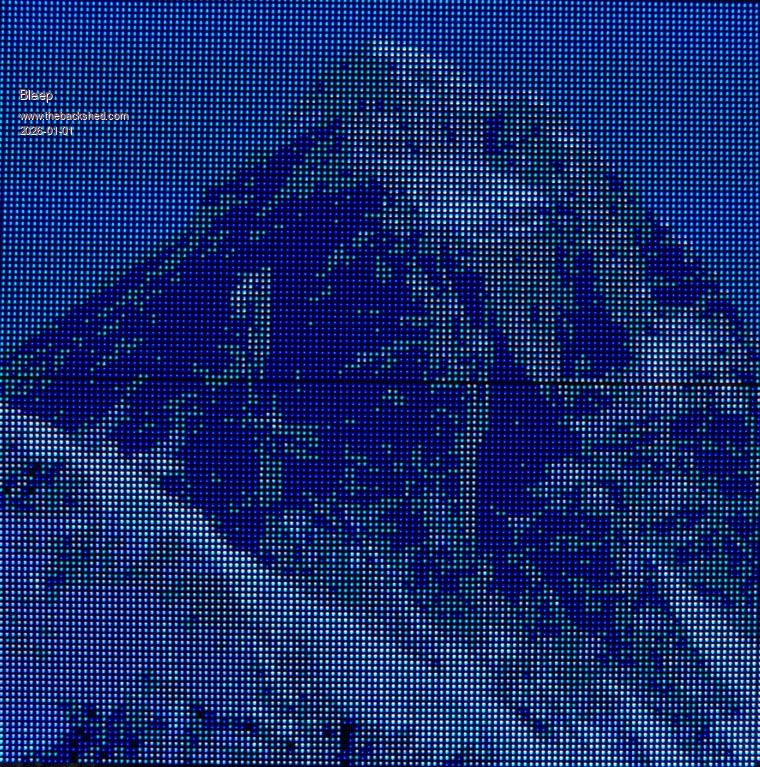 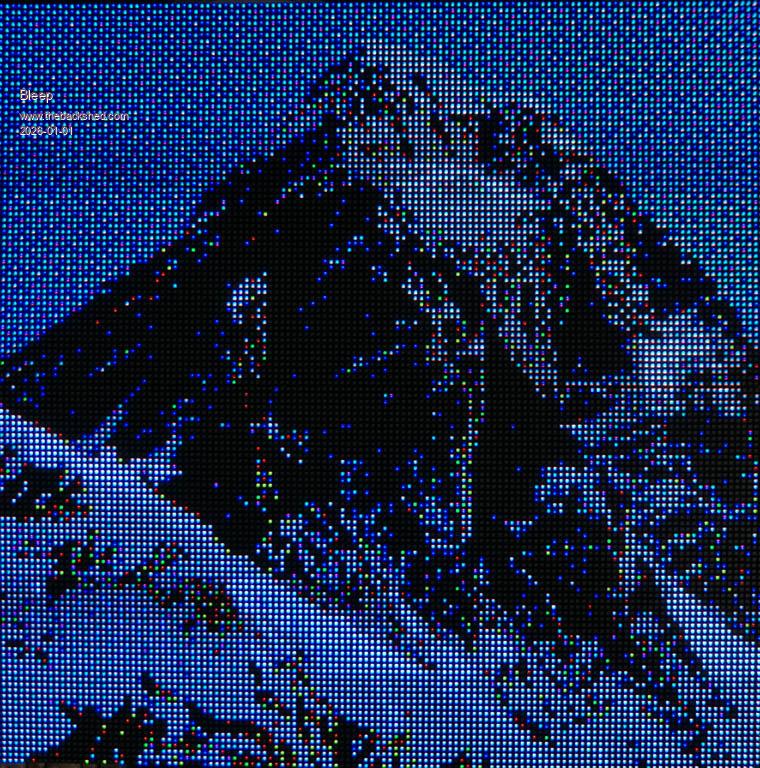 Regards Kevin. |
||||||
Kevin/Albert, Do you have this running an on RP2040 ? I do not have the displays yet, but tried to run the "christmas hub" code and it crashes the RP2040 (reboot). My 2040 has system I2C at GP14/15, and system SPI controlled SD card on GP16...20. So it should leave GP0..13 free for displays. Thanks for your response. Volhout Edited 2026-01-01 23:37 by Volhout |
||||||
Hi Harm, I'm only currently using a 2040, but I don't have anything else connected, apart from an SD on GP18,19,16 & 22 as per the manual. Regards Kevin |
||||||
Kevin, Found it. In line 159 the values X was not pre-dimmed. Now it works, it runs (without the displays attached), and I see data on the GPxx pins. Good work from both of you (Albert,Kevin), disassembling the BMP file, and formatting it for the correct values for the display. Kudo's. Volhout |
||||||
Hi Harm, It's all Alberts work really, I just did a bit of speed tuning of some of the Basic routines. Regards Kevin. |
||||||
Hi Harm, This my latest version, not much different from what you have, a couple of speed-ups and routines to scroll a bmp up or down the display. Obviously if Albert has any updates they will take presidence. If you look at some of his earlier versions they have the screen being updated using the standard drawing commands, rather than a bmp. Regards, Kevin. hubdriverlatest.zip |
||||||
Hi Kevin, the project isn't completely dead yet. With the help of a “pin” and limiting to RGB222, I was able to rewrite the PIO program so that the memory requirements are significantly reduced. However, the program was not allowed to be any longer than one command. "PIO execute" was very useful here. The driver has also become a little faster. I had to adjust the color mapping a bit. However, the calls are all the same as before. Thats it! Hub75PioExe.zip Regards, Albert. Edited 2026-01-15 02:43 by AlbertR |
||||||
Hi Albert, thank you, I'm on holiday currently, but when I get back I'll give your new improved driver a spin & let you know how I get on :-) Thanks again Kevin. |
||||||
| Page 7 of 8 |
||||||
 |
The Back Shed's forum code is written, and hosted, in Australia. |


